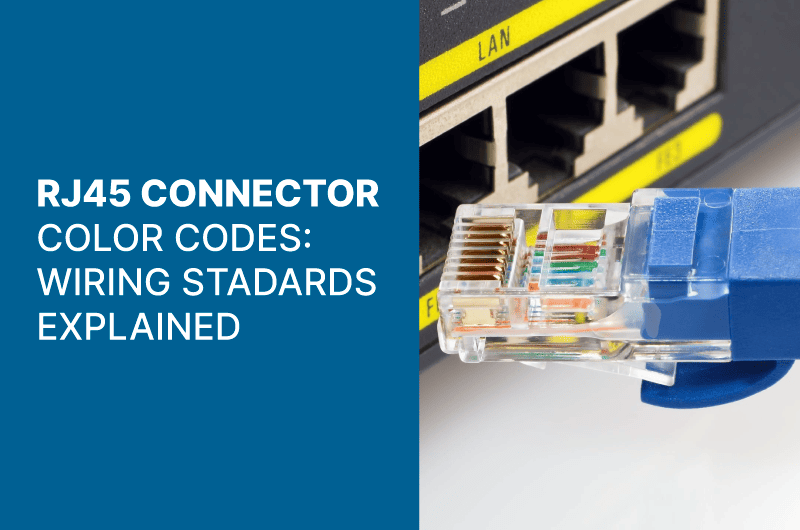
An RJ45 connector is an essential component for establishing reliable network connections. Whether you’re setting up an Ethernet connection or troubleshooting network issues, understanding the RJ45 connector color codes is crucial for proper wiring and functionality.
Understanding RJ45 Connector Color Codes
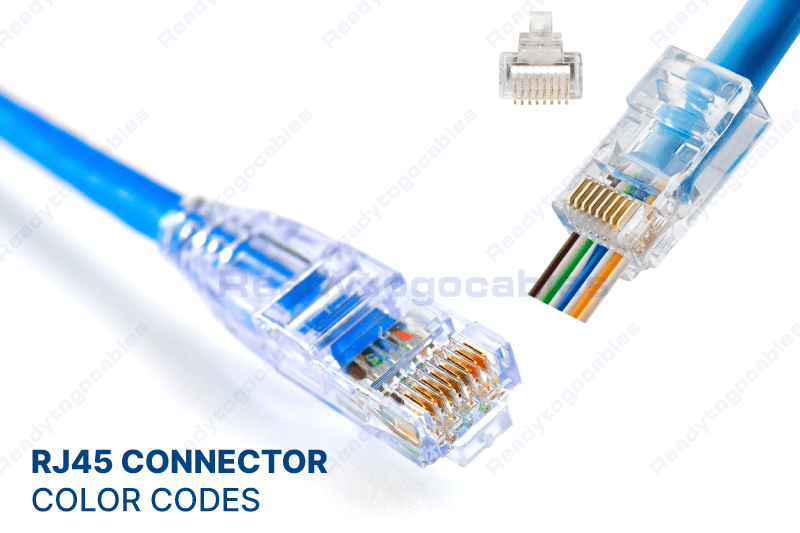
The RJ45 connector follows a specific wiring standard that ensures compatibility and efficiency in data transmission. It consists of eight pins, each assigned a particular color: blue, orange, green, and brown, with variations in solid and striped forms. These color codes help identify the correct wiring sequence for seamless network connectivity.
There are two primary wiring standards for RJ45 connectors:
- T568A Standard – More common in residential and business cabling.
- T568B Standard – Preferred for commercial and government installations.
Both standards use the same eight wires but arrange the RJ45 connector color codes differently. It is essential to follow one standard consistently throughout a network setup to avoid connectivity issues.
Standard Wiring Methods for RJ45 Connectors
To properly wire an RJ45 connector, you must follow one of the two widely accepted wiring schemes:
T568A Wiring Standard:
- Pin 1: White/Green
- Pin 2: Green
- Pin 3: White/Orange
- Pin 4: Blue
- Pin 5: White/Blue
- Pin 6: Orange
- Pin 7: White/Brown
- Pin 8: Brown
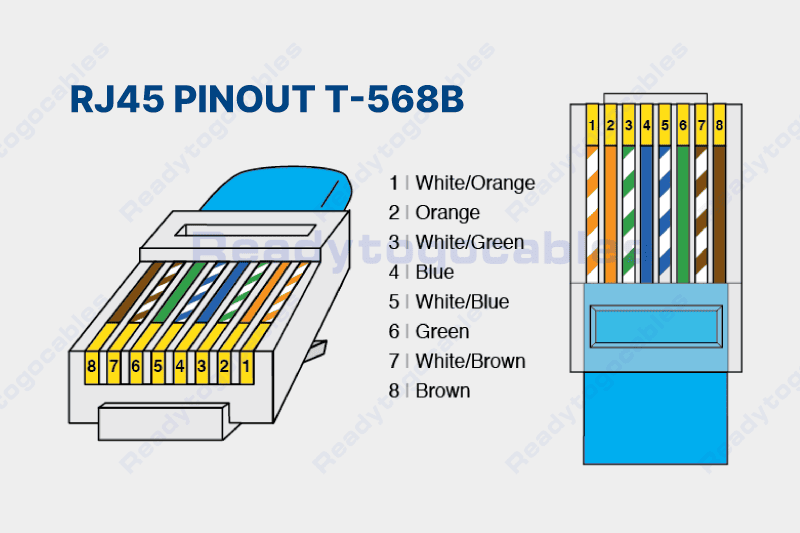
T568B Wiring Standard:
- Pin 1: White/Orange
- Pin 2: Orange
- Pin 3: White/Green
- Pin 4: Blue
- Pin 5: White/Blue
- Pin 6: Green
- Pin 7: White/Brown
- Pin 8: Brown
While both wiring standards work effectively, T568B is the most commonly used standard in modern networks due to its widespread adoption in commercial environments.
RJ45 Cable Types and Their Uses
There are different types of RJ45 cables, each serving specific networking purposes:
- Straight-Through Cables: Used for connecting different network devices, such as computers to switches or routers.
- Crossover Cables: Used for direct device-to-device connections, such as computer-to-computer or switch-to-switch setups.
Additionally, RJ45 cables come in shielded (STP) and unshielded (UTP) versions:
- Shielded Twisted Pair (STP): Provides extra protection against electromagnetic interference (EMI), making it ideal for industrial environments.
- Unshielded Twisted Pair (UTP): More common in home and office networks due to its affordability and flexibility.
How to Crimp an RJ45 Connector
To ensure a secure and functional connection, follow these steps to crimp an RJ45 connector properly:
- Strip the Cable: Remove about an inch of the outer insulation.
- Align the Wires: Arrange the wires according to the chosen wiring standard (T568A or T568B).
- Insert the Wires into the RJ45 Connector: Ensure each wire reaches the correct pin slot.
- Crimp the Connector: Use a crimping tool to secure the wires in place.
- Test the Connection: Use a network tester to verify connectivity and correct wiring.
Summary
An RJ45 connector is an essential networking component, and understanding its color codes is key to ensuring a stable and efficient network setup. By following the T568A or T568B wiring standards, using the right cable type, and crimping the connectors correctly, you can create a seamless Ethernet connection.
Whether setting up a home network or managing an enterprise-level infrastructure, knowing how to wire an RJ45 connector properly will help you achieve reliable connectivity and optimal data transmission.
If you would like to receive a quote for any of custom cables or connectors, please do not hesitate to contact us by sending an email to sales@readytogocables.com or calling in the USA this phone number (682-325-1944).