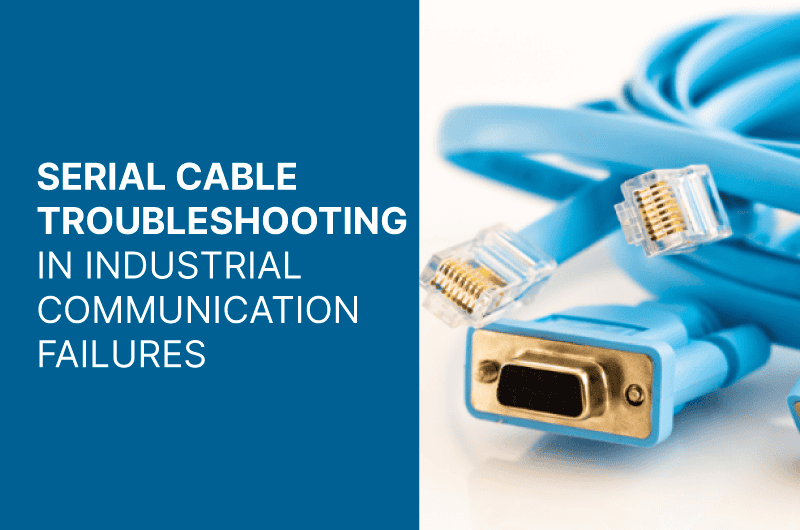
Serial cable troubleshooting is essential for maintaining effective communication in industrial environments. Issues with serial cables can lead to significant industrial communication problems that disrupt operations. Understanding common causes, such as incorrect parameters and physical cable damage, is crucial for effective diagnosis. This article outlines troubleshooting steps and practical solutions to ensure reliable serial communication in industrial settings.
Understanding Serial Cable Communication in Industrial Environments
The importance of serial cable communication in industrial environments is significant, impacting the efficiency and reliability of various processes. This section delves into the pivotal role that serial cables play and provides an overview of the commonly used RS-232 standard.
Importance of Serial Cables in Industrial Communication
Serial cables are essential for establishing communication between devices in industrial settings. They enable data transmission between various equipment, including programmable logic controllers (PLCs), computers, and diagnostic tools. Proper functioning of serial cables ensures that commands and data are exchanged seamlessly, which is crucial for the optimal operation of manufacturing and automation systems.
Several key factors highlight the value of serial cables:
- Reliability: Serial connections provide consistent data transfer rates, which minimizes errors in communication.
- Simplicity: They often require less complex configurations compared to other communication methods.
- Cost-effectiveness: The use of serial cables can reduce costs associated with more intricate communication systems.
Overview of RS-232 and its Applications
As a widely adopted standard, RS-232 serves as a fundamental protocol for serial communication. Initially developed for modems, its applications have expanded significantly across various industrial equipment and systems.
Key characteristics of RS-232 include:
- Data Transmission: It typically supports baud rates ranging from 300 to 115,200 bps, providing flexibility for various operational requirements.
- Signal Levels: RS-232 uses specific voltage levels to represent digital states, ensuring clarity in communication.
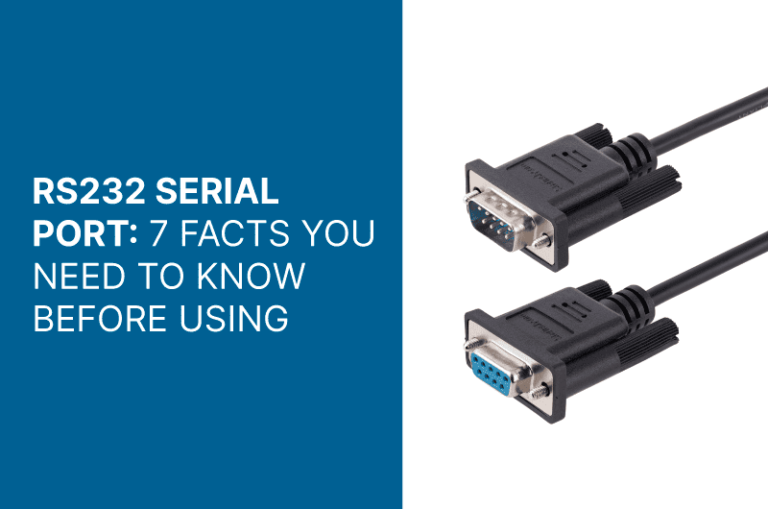
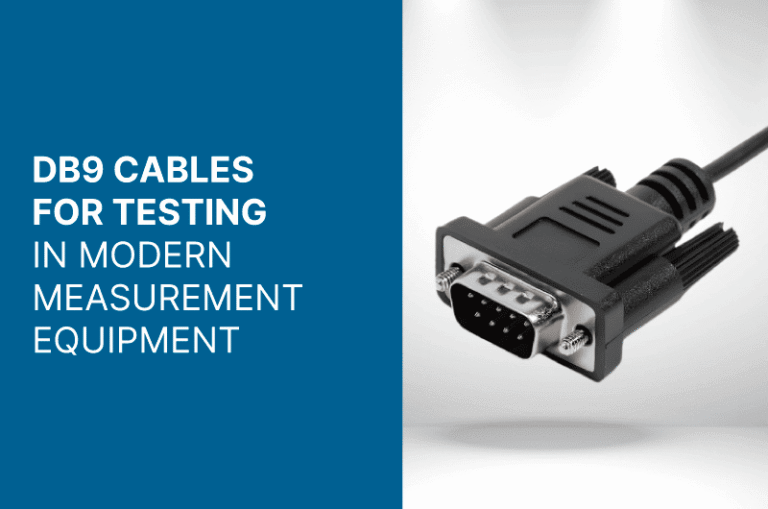
- Interface: The standard often uses a 9-pin or 25-pin connector, which facilitates connections between disparate devices.
In terms of applications, RS-232 is frequently used in:
- Industrial automation systems for machine-to-machine communication.
- Point-of-sale systems for transactions.
- Test and measurement equipment for data logging and analysis.
Through its robust specifications and widespread compatibility, RS-232 remains a cornerstone in the development and maintenance of industrial communication frameworks. The effectiveness of serial cables in transmitting data within different environments cements their role as a reliable choice for industrial operations.
Common Causes of Serial Communication Issues
Numerous factors can lead to problems in serial communication, impacting performance and reliability in industrial applications. Understanding these common causes is essential for effective troubleshooting and ensuring seamless operation.
Incorrect Communication Parameters
A significant reason for communication failure lies in the mismatch of parameters between devices. When settings do not align, issues arise that can disrupt data transmission and processing.
Baud Rate and Data Bits
The baud rate determines how quickly data is sent over a serial line. Each device must be set to the same baud rate. A mismatch leads to errors in data interpretation. Moreover, data bits represent the actual message length. Ensuring both devices agree on the number of data bits is crucial.
Parity and Stop Bits
Parity configurations provide a means of error checking in data transmission. If one device is set to even parity and the other to none, communication will falter. Similarly, stop bits indicate the end of a data packet. A discrepancy in the number of stop bits can prevent successful communication and result in lost information.
Types of Serial Cables and Their Usage
The choice of cable significantly influences communication stability. Various cable types exist, each tailored for specific applications. Understanding the differences is key to ensuring proper connectivity.
Null-Modem vs. Straight-Through
Two common types of serial cables are null-modem and straight-through cables. A straight-through cable connects similar devices, while a null-modem cable connects devices of different types, such as a computer to a modem. Utilizing the incorrect cable type can lead to communication failures.
Choosing the Right Cable
When selecting a serial cable, factors like length, shielding, and connector types must be considered. Long cables may experience signal degradation, while insufficient shielding can lead to electromagnetic interference. Properly assessing these parameters is essential for ensuring successful communication.
Cable Damage and Connection Problems
Deterioration of cables and connection issues pose significant risks in industrial environments. Regular inspection and maintenance aid in identifying and resolving potential problems before they escalate.
Identifying Physical Damage
Physical wear and tear on cables often results in disrupted signals. Inspecting cables for frays, cuts, or bends can reveal hidden problems. Early detection and replacement of damaged cables help maintain system integrity.
Ensuring Proper Connection
A secure connection is vital for effective communication. Loose or improperly seated connectors can cause intermittent communication failures. Regularly checking the integrity of cable connections ensures reliable data transfer.
Troubleshooting Serial Cable Problems
Resolving issues related to serial cables is essential for maintaining efficient industrial communication. Various factors can lead to failures, and systematic troubleshooting helps identify and address these problems effectively.
Physical Connection Check
The first step in troubleshooting is to verify the physical connections of the serial cables. Ensuring tight and secure connections can resolve many issues.
Reinserting and Testing Cables
Begin by disconnecting and reconnecting the serial cable. This simple action can often rectify contact problems caused by loose fittings. If issues persist, testing with a known working cable can help determine if the original cable is defective. Utilizing a multimeter to check for continuity can also provide insights into the cable’s integrity.
Inspecting Device Interfaces
Examine the interfaces on both connected devices for any visible signs of damage or wear. Cracks, bent pins, or corrosion can impede proper connectivity. If any damage is found, repairing or replacing the affected components is crucial for restoring communication.
Software and Parameter Verification
After checking the physical connections, the next step involves verifying the software configurations and communication parameters. Mismatched settings can cause significant communication failures.
Checking Driver and Firmware Settings
Ensure that drivers and firmware for the devices are properly installed and up to date. Outdated or incorrect drivers can result in ports malfunctioning or devices not recognizing each other. Consulting the manufacturer’s guidelines can facilitate the proper setup of these critical software components.
Ensuring Matching Communication Settings
Verify that both devices are configured with matching communication settings, including baud rate, data bits, parity, and stop bits. These parameters must align precisely to enable effective data transmission. This step, often overlooked, is crucial for resolving communication discrepancies.
Addressing External Interference
External interference can significantly impact the reliability of serial communication in industrial environments. Identifying sources of such interference and implementing appropriate techniques to mitigate them is essential for maintaining effective communication.
Identifying Sources of Electromagnetic Interference
Electromagnetic interference (EMI) originates from various sources within industrial settings. Recognizing these sources is vital for troubleshooting communication failures.
- **Electrical Equipment:** Devices such as motors, generators, and transformers can generate substantial EMI. Operations involving heavy machinery may introduce noise into communication lines.
- **Poorly Shielded Cables:** Cables that lack adequate shielding may allow external electromagnetic fields to disrupt signal integrity. It is essential to assess the quality of cable insulation and shielding.
- **Radio Frequency Interference (RFI):** RFI can emanate from wireless devices and radio transmission equipment. This type of interference may be especially problematic in environments with communication devices operating on similar frequencies.
- **Ground Loops:** Improper grounding can create loops that result in undesirable voltage differences, leading to noise in the signal. Evaluating grounding practices can be a crucial step in minimizing interference effects.
Shielding and Cable Management Techniques
Implementing effective shielding and cable management techniques can significantly reduce the impact of external interference on serial communication. These methods enhance the integrity and reliability of data transmission.
- **Use of Shielded Cables:** Selecting cables that are designed with effective shielding can prevent external electromagnetic fields from affecting signal quality. Cables with foil or braid shielding can provide additional protection.
- **Proper Installation Practices:** Ensuring that cables are installed correctly is essential. Avoid running serial cables parallel to power lines, as this can increase the likelihood of interference. A distance of at least three feet is recommended where possible.
- **Cable Routing:** Maintaining organized cable routing can minimize chances for interference. Keeping communication cables away from potential sources of EMI and ensuring they are not tightly bundled with other cables helps improve performance.
- **Use of Ferrite Beads:** Incorporating ferrite beads or chokes on cables can help suppress high-frequency noise. This addition can be particularly beneficial where cables must cross areas with high EMI.
- **Regular Maintenance:** Ensuring regular inspections of both cables and connections is crucial. Checking for signs of wear, damage, or improper installation can help identify potential sources of interference before they cause significant problems.
Tools and Techniques for Effective Troubleshooting
Utilizing the appropriate tools and techniques can significantly enhance the troubleshooting process for serial communication issues. Effective troubleshooting not only helps in identifying the root causes but also aids in implementing solutions promptly.
Using Serial Port Monitors
Serial port monitors are specialized software tools that allow real-time monitoring of serial communication. They provide insights into the data being transmitted between devices, helping to diagnose issues effectively.
- Data Logging: Serial port monitors can log communication data, which is helpful in reviewing historical communication patterns and identifying anomalies.
- Error Detection: These tools often include features to detect framing errors, parity errors, and data overruns, facilitating quick identification of transmission issues.
- Protocol Analysis: Advanced serial port monitors can analyze the communication protocols being used, ensuring they comply with the expected standards.
Incorporating a serial port monitor into the troubleshooting workflow allows for a more granular view of the communication process, enabling faster resolution of issues.
Employing Multimeters for Connection Verification
A multimeter is an essential tool for verifying electrical connections in serial cables. It helps ensure that the connections are intact and functioning as expected.
- Voltage Measurements: Utilizing a multimeter enables the verification of voltage levels on the pins of the serial cable. This is crucial for confirming that the devices are receiving the correct voltage for operation.
- Continuity Testing: A multimeter can be used to perform continuity tests on cables to identify breaks or shorts. Ensuring continuity is vital for maintaining proper communication.
- Resistance Checks: Measuring resistance between pins can help identify potential issues such as loose connections or damaged cables.
The careful application of a multimeter can provide valuable information about the electrical state of serial connections, ensuring reliable communication in industrial environments.
If you would like to receive a quote for any of custom cables or connectors, please do not hesitate to contact us by sending an email to sales@readytogocables.com or calling in the USA this phone number (682-325-1944).